Challenge
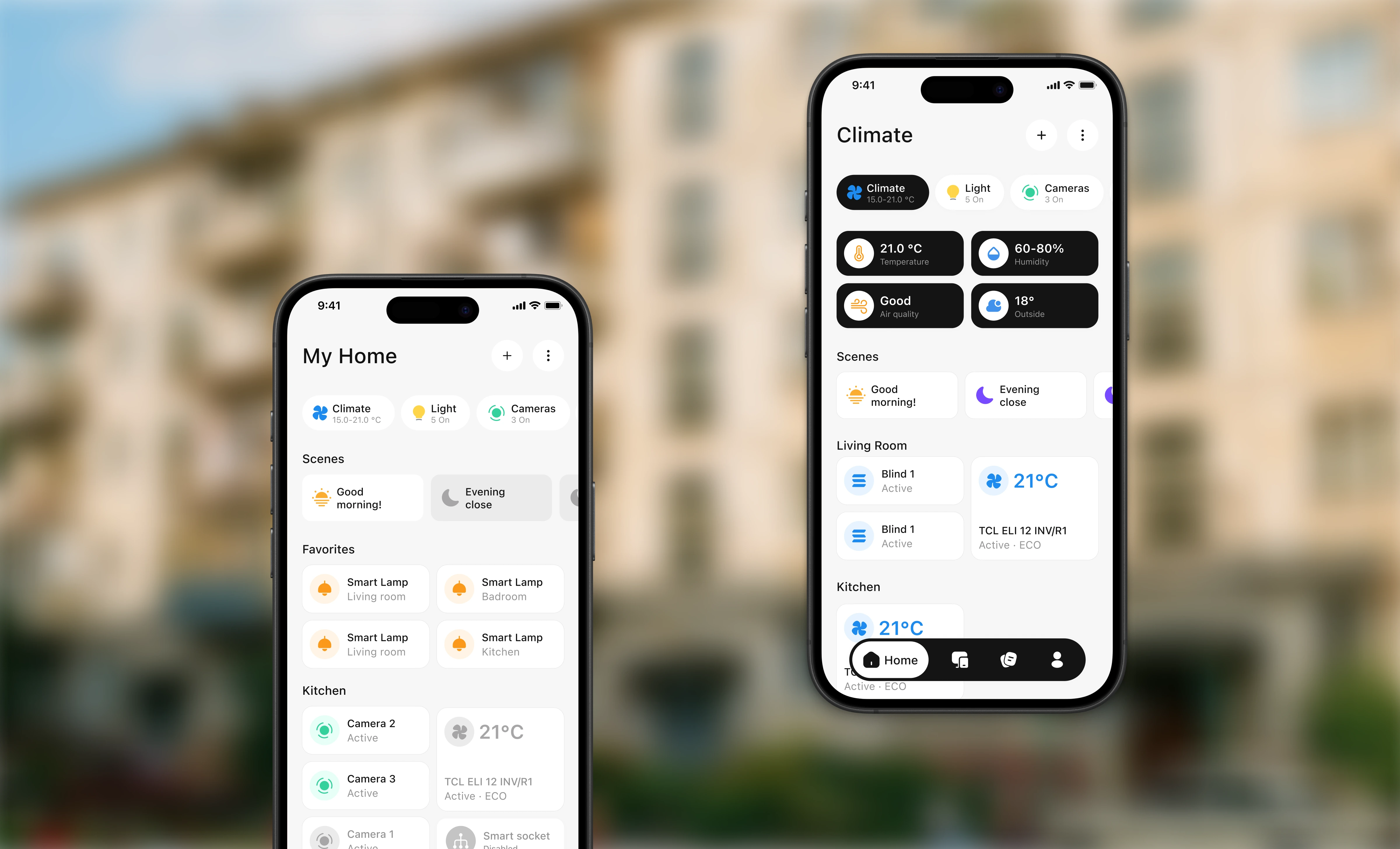
Design a single mobile interface for controlling and monitoring different types of smart home devices.
The experience had to make everyday actions — checking device status, running scenes, adjusting climate, and reviewing camera events — quick and understandable, while remaining scalable as new devices and features are introduced.

Onboarding
Onboarding introduces the product through a short sequence focused on its core value: bringing connected devices, monitoring, and everyday home routines into one app.
Clear messaging and a lightweight flow help users understand how Quitecare works before they begin setting up their home.

Home screen
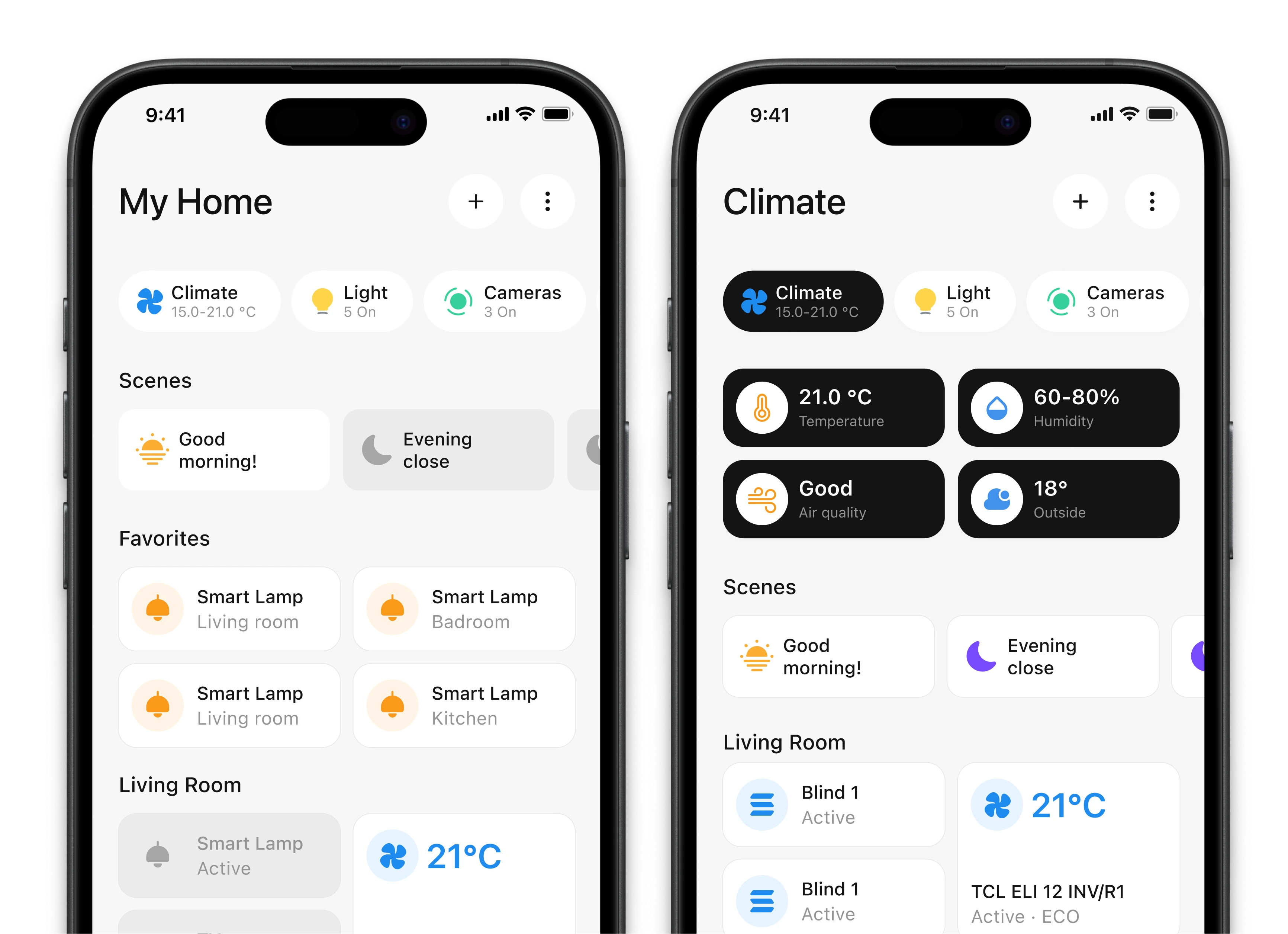
The home screen prioritizes frequent actions. Users can launch common scenes, access important devices through Favorites, and check their current state and room without opening each device.
This reduces unnecessary navigation and keeps everyday controls within reach.
Light screen
The lighting flow keeps the most common controls in one place. Users can turn a light on, adjust its brightness, and immediately see the new state reflected in the interface.
Progressive disclosure keeps the initial screen simple while preserving access to more precise controls when needed.
Climate screen
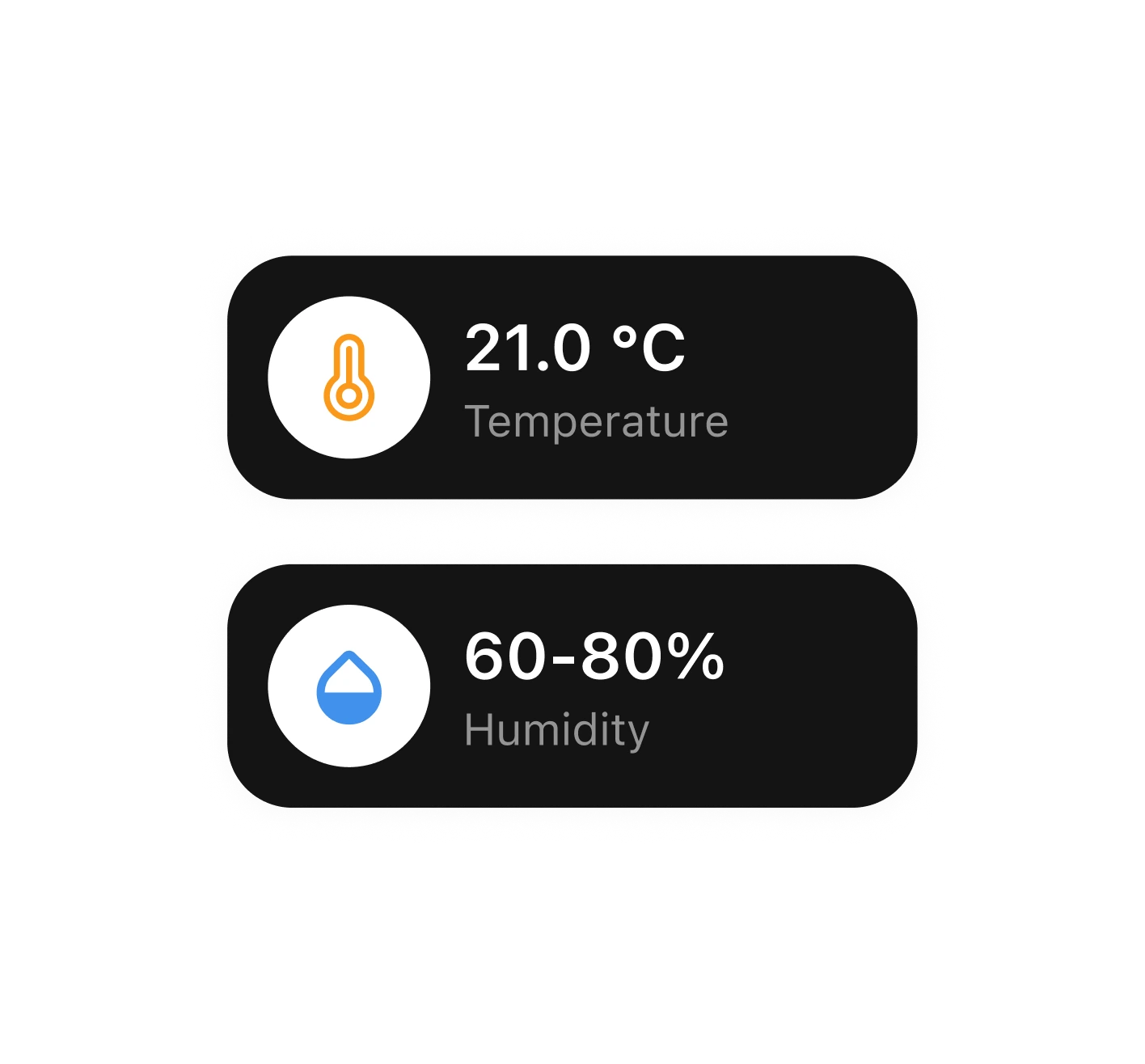
The climate flow takes users from an overview of the home to focused device control. They can check the current state, turn the system on, and adjust the target temperature using a radial control.
Progressive disclosure keeps the initial screen simple while preserving access to more precise controls when needed.
Camera monitoring
Camera events are organized along a color-coded timeline, helping users distinguish between motion, sound, and captured images.
Event filters make it easier to focus on a specific type of activity. Users can select a moment on the timeline, inspect it in a preview, and open the event to share, download, or delete the recording.
Add Device
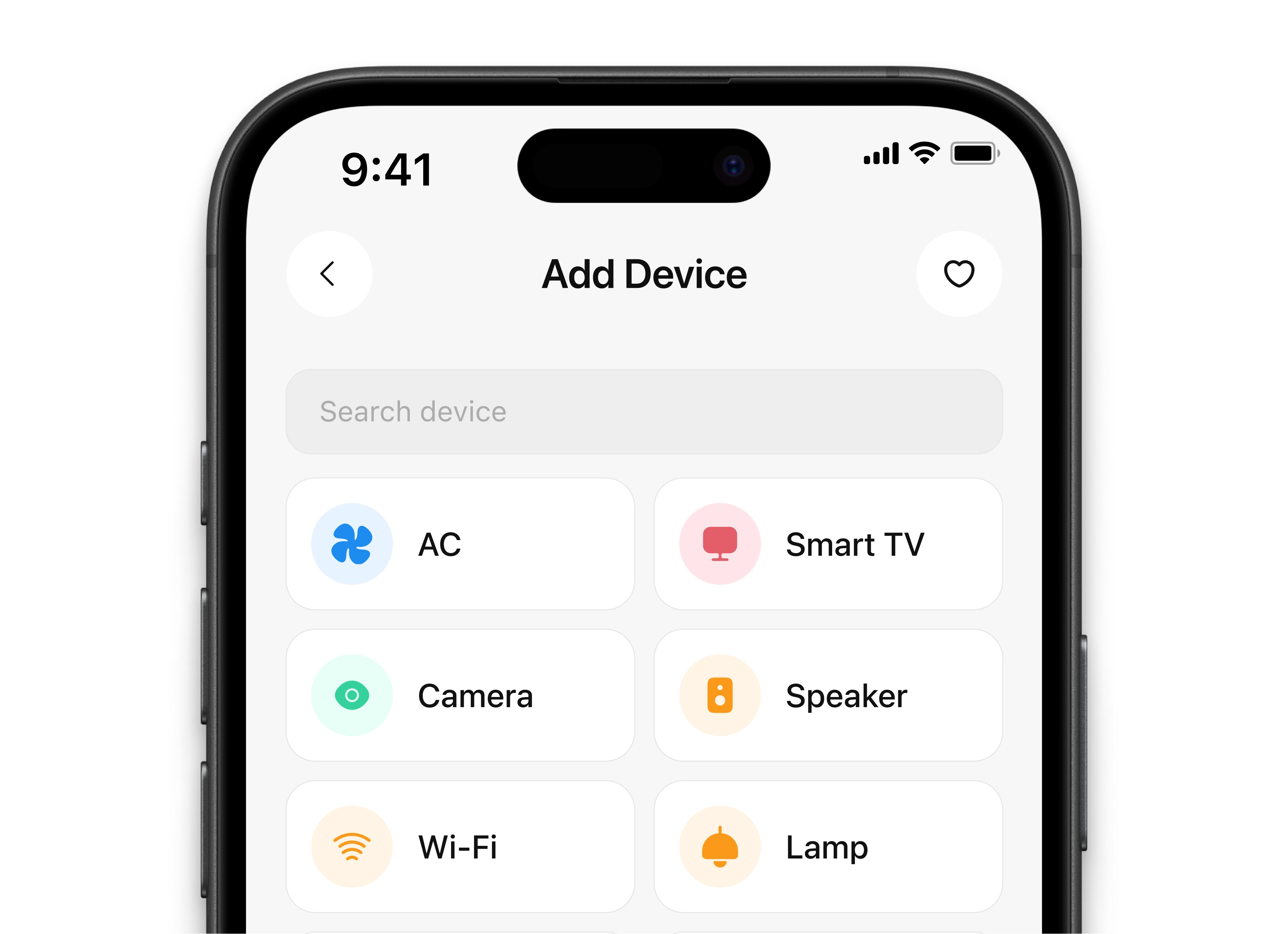
Adding a device is structured as a guided flow. Users choose a device type, follow the connection steps, and assign the device to a room.
Keeping each step focused on a single action reduces uncertainty during setup and makes a technically complex process easier to follow.
Result
Quitecare brings everyday smart home controls into a consistent mobile experience. Core scenarios — launching scenes, managing lighting and climate, monitoring cameras, and adding devices — follow shared interaction patterns that make the system easier to learn and use.
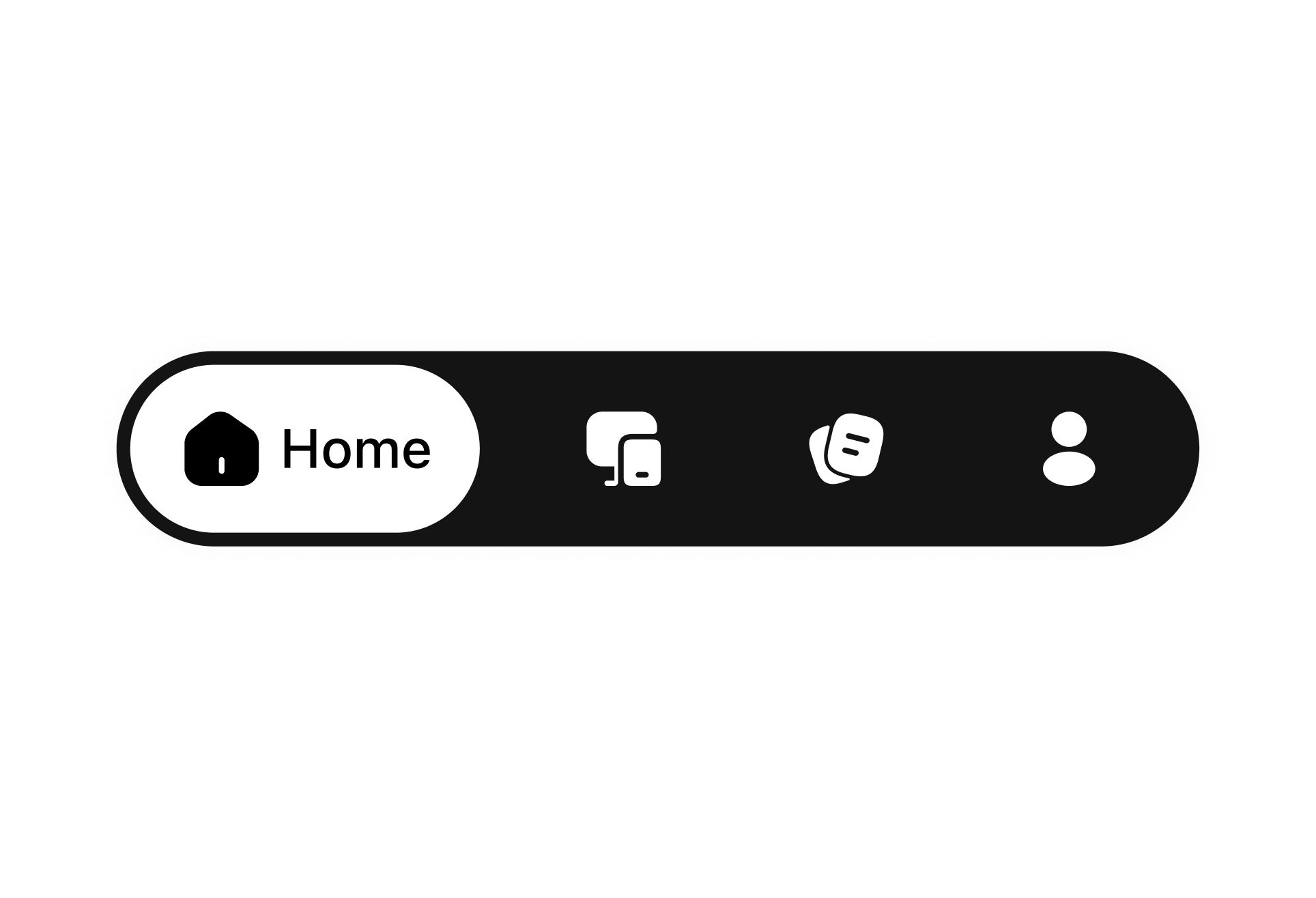
A token-based design system brings consistency to colors, typography, spacing, and components, while allowing the product to grow as new device types and features are introduced.
